
Construction Training Platform
Build competence.
Reduce risk.
Transform training.
Immersive XR safety training helps construction teams practise hazard recognition and response in a simulated environment. Choose scenarios that match your site’s tasks, language needs and supervision arrangements.

Immersive Learning Environment
VR safety drills, hazard simulations, and multilingual training for workforce adaptability.

Interactive Training Modules
Our library of 37+ safety modules are updated quarterly with new features and scenarios, ensuring teams are always trained with the latest best practices in site safety.

Data-Driven Performance Tracking
Track trainee progress, generate insights, and integrate data seamlessly with real-time analytics and reporting.
Construction Training Platform
Immersive XR Training for the Construction Industry
37+
ready-to-use modules
80+
government projects
80,000
trained workers
With 37+ ready-to-use modules, seamless integration, and proven deployment in 80+ government projects, CTP delivers a safer, more efficient, and immersive learning experience for over 80,000 trained workers.
Real-World Applications
CTP is purpose-built for high-risk, high-compliance industries such as construction projects. Use cases include

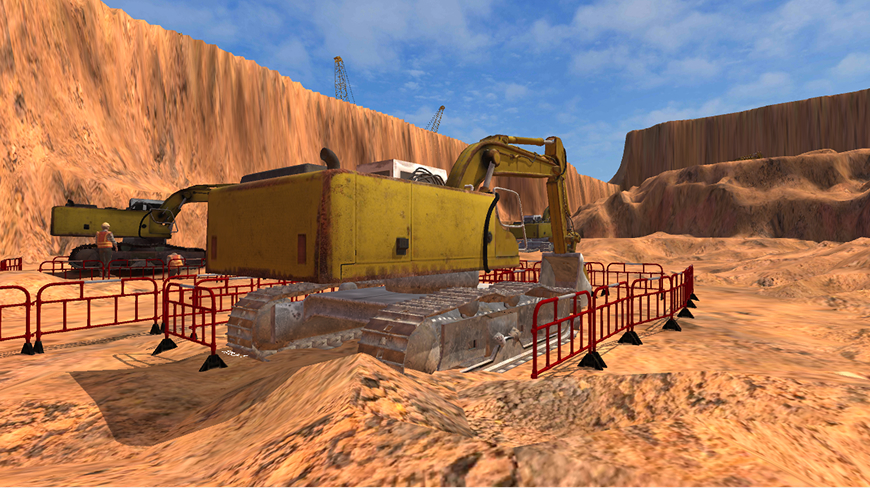
Heavy Equipment Operation
Simulate excavator, crane, and bulldozer control with procedural safety workflows.

Site Safety Management
Train for critical risks with real-time insights that help prevent accidents.

Construction Workflow
Empowering workers to master safety protocols through hands-on virtual scenarios.

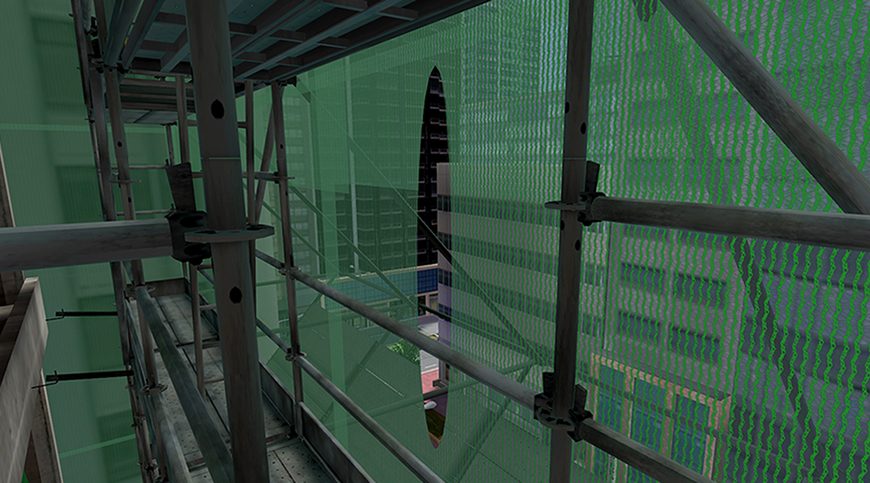
Working at Heights
Working at Heights and Related Tasks:
Fall-prevention for façade, bridge, maritime, high-altitude, and electrical work.
Key Feature
CITF pre-approved construction safety VR software
CTP is listed in the CITF product record PA24-072. Product preapproval is separate from statutory training qualifications, funding approval and measured safety outcomes.
For 4S projects, select suitable systems according to the site’s risk assessment. VR is optional in multiple CIC recommended packages; purchasing CTP does not automatically secure a project label. See the CIC 4S guidance.
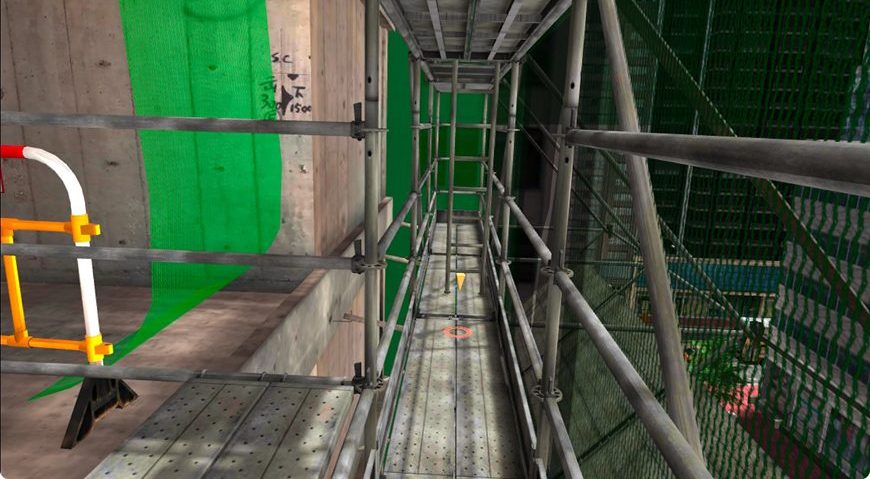
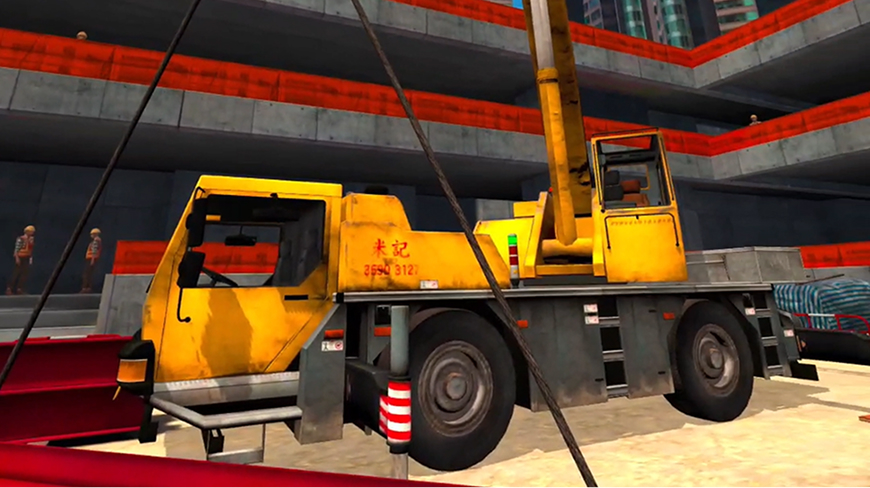
Safety scenarios connected to your site procedures
Use simulated hazards to discuss working at height, machinery movement and other tasks with a trainer. Confirm the current module list in a demonstration, then connect each session to the site’s procedures and practical training requirements.
BIM-based custom training: agree the project scope
Discuss using project drawings or BIM material to develop site-specific training. File compatibility, modelling, interactive functions and any connection to other software must be assessed and agreed in the proposal. Development time and cost depend on that scope.
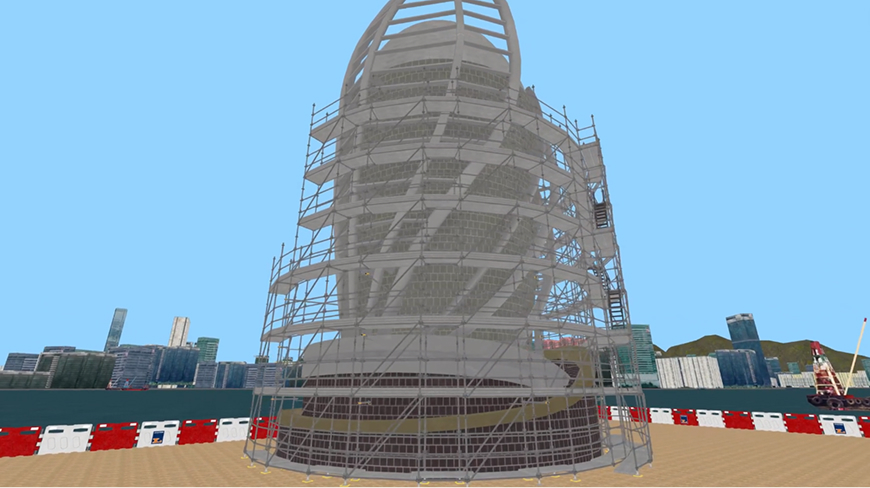
Enterprise Scalability: From Site Trailers to Global Teams
Deploy VR kits in site offices or launch centralized labs with real-time analytics. Leading contractors — Build King, Chun Wo, Leighton, Gammon, and Samsung C&T—use CTP for:
- Multi-language onboarding
- Real-time performance dashboards (API-integrated)
- Quarterly module updates
Training planned around local requirements
Assess training against the rules and practical requirements of the project’s jurisdiction and work activities. A CITF product listing does not establish compliance across other markets. VR can complement site briefings and practical instruction; it does not automatically replace required qualifications or statutory training.
Frequently Asked Questions
Construction safety training: modules, deployment and records.
What is CTP?
CTP is an immersive XR (Extended Reality) training platform designed for the construction industry. It combines VR (Virtual Reality), AR (Augmented Reality), and MR (Mixed Reality) technologies to provide realistic, interactive, and safe training experiences for construction workers and professionals.
What are the key features of CTP?
Immersive Learning: Simulates real-world construction scenarios (e.g.,Work at height, confined spaces).
Interactive Modules: Trainees interact with virtual tools, machinery, and environments.
Real-time Data Analytics: Tracks performance and provides feedback.
Accident Preview Mode: Enhances safety awareness by simulating potential hazards.
Multi-user Support: Enables group training sessions.
How does CTP improve safety training?
CTP uses simulated tasks to support hazard recognition and discussion of safe procedures. A trainer should debrief the exercise and relate it to actual work. Product funding eligibility is separate from compliance with statutory or practical training requirements.
What industries or projects has CTP been used in?
CTP has been deployed in 80+ government projects and private developments, including:
AAHK Hong Kong Third Runway
CEDD Tung Chung Reclamation
Public housing projects (e.g., Tsing Yi, Tuen Mun)
How many training modules does CTP offer?
CTP provides 37+ ready-to-use modules, Modules are updated quarterly. Covering:
- Metal/Bamboo Scaffolding
- Crane Operations
- Tunnel Safety
- Manhole Work
- Fire Safety
- Heat Stress Prevention
What are the benefits of using CTP over traditional training?
Cost-effective: Reduces need for physical equipment and sites.
Higher Engagement: Interactive VR boosts knowledge retention.
Scalable: Adaptable for small teams or large organizations.
Data-driven: Tracks trainee progress and identifies skill gaps.
Can we customize training for different staff levels?
Yes! CTP offers tailored training programs for various roles, including:
New Workers: Basic safety induction (e.g., VR24 “工地安全”).
Operators: Equipment-specific modules (e.g., VR19 “Excavator”).
Supervisors: Advanced scenarios like risk assessment (e.g., VR05 “沙井風險評估”).
Managers: Data-driven insights to optimize team performance.
Custom modules can also be developed for unique project needs (e.g., BIM-integrated training).
What equipment is required to run CTP?
To use CTP, you need:
- Hardware:
- VR Headsets (e.g., Meta Quest, HTC Vive) — essential for delivering immersive virtual experiences.
- Controllers (Optional) —Typically included with headsets. Optional if using hand-tracking for interaction.
- iPad (For Control Panel Access) — Used to control, monitor, or manage VR experiences remotely via the Control Panel interface.
- PC or Laptop (Optional) — For accessing the Client Management System (CMS), managing content, or performing administrative tasks.
- Software:
- CTP’s proprietary training platform.
- Internet connection for updates/data sync.
- Space: A 3m x 3m area for safe movement in VR (smaller setups supported).
Note: VTM provides full setup guidance and can recommend compatible hardware.
Can CTP integrate with BIM (Building Information Modeling)?
BIM-based scenarios can be discussed as a custom project. Share the proposed files, learning objectives and required interactions so that VTM can assess compatibility, development work and delivery scope before quotation.
How do I get started or request a demo?
Click Contact Us to schedule a demo with our team. We’ll walk you through the platform, help assess your training needs, and customize a package that fits your organization.